The Deal/Draw button starts a video-poker hand and later replaces unheld cards. Its current function depends on the stage of play, so confirm the stake and held cards before pressing it.
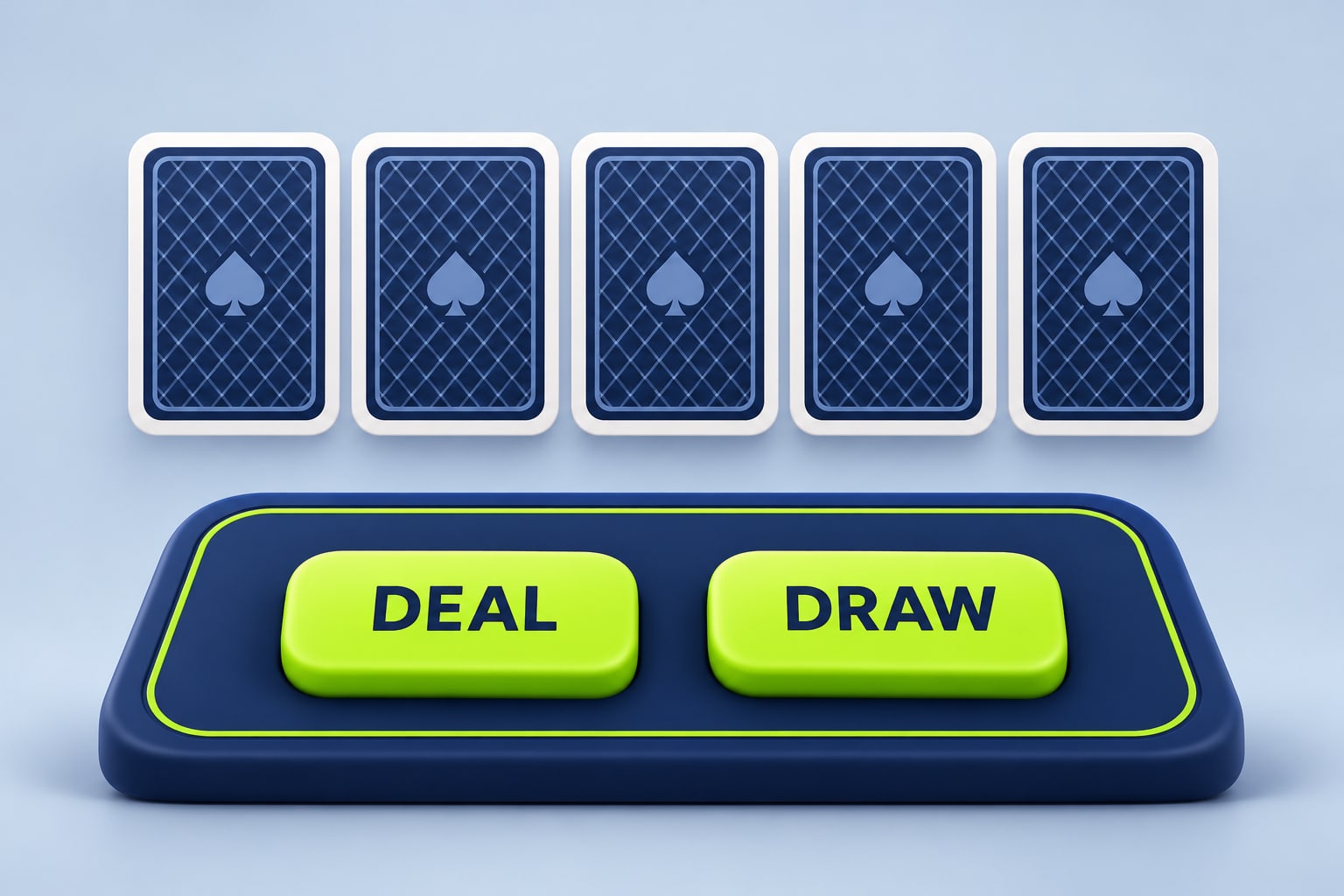
One control with two stages
Many video-poker interfaces use the same button for dealing the initial hand and drawing replacement cards. Before the hand begins, the control usually reads Deal or Deal/Draw. After the first five cards appear, it commonly changes to Draw while the player chooses which cards to hold. The first action starts a wagered hand; the second completes that hand by replacing unheld cards according to the rules. Some games use separate controls or additional confirmation steps. Read the current label and game state rather than assuming that a button in a familiar position always performs the same action.
Check the wager before dealing
The initial Deal action ordinarily commits the displayed stake. Confirm the denomination, credits per hand and number of active hands first. A screen showing five credits can represent different currency amounts depending on the denomination, and a multi-hand setting can multiply the total cost. Some interfaces combine a maximum-bet selection with an immediate deal, while others require a separate press. Never assume that a control only changes a setting until its behaviour is clear. The total amount shown as the wager is more useful than the visual size of the button or the apparent simplicity of the game.
Holding cards before the draw
After the initial deal, the player normally marks the cards they want to retain. A Hold label, highlight or raised card graphic indicates the current selection. The Draw action then replaces the cards that are not held. If all five cards are marked, the game may settle the existing hand without replacements. If none are marked, it may replace all five. Verify the selection after clicking or tapping cards, especially on a small screen where neighbouring cards can be touched accidentally. A sound strategy choice is only useful if the interface is actually set to carry out that choice when Draw is pressed.
Automatic holds need verification
Some games suggest holds or preselect cards automatically. Those features can be convenient, but their presence is not proof that the recommendation is optimal for every available paytable. The player should understand whether an auto-hold is a suggestion, a default selection or an action that will be executed without further input. If studying strategy, compare the exact five cards and payout schedule rather than relying on a generic prompt. Also check whether changing a hold cancels all automatic selections or only the card touched. Interface behaviour can vary even between games that share a similar visual design or provider branding.
Repeated presses and interrupted sessions
Avoid rapidly pressing the control while a deal or draw animation is still processing. Depending on the interface, an extra input might be ignored, queued or interpreted as starting another hand after the first settles. If a connection drops, inspect the balance and game history before repeating an action. The displayed result and the operator's recorded round are more useful than assuming that an animation failure cancelled the wager. Use the game's support process for an unresolved round, preserving the time and round identifier if available. Do not keep pressing Deal in an attempt to test whether an earlier wager was accepted.
The button does not predict the cards
Pressing Draw at a particular rhythm, waiting for a visual cue or clicking a different part of the button is not an established method of improving a properly functioning game's odds. The relevant player decision is which cards to hold under the actual rules and paytable. Fast controls can increase the number of hands played and therefore the amount wagered during a session, even when the stake per hand stays unchanged. Set time and spending limits before starting. Treat Deal/Draw as a transaction control that deserves a deliberate check, not as a way to influence luck through timing or repeated tapping.